WordPress Support Services: What’s Included (and What’s Not)
Choosing the right WordPress support services: what’s included is not always obvious. Many providers promise “full support,” but the fine print often tells a different story. This guide breaks down exactly what a professional WordPress support company typically covers, what is usually excluded, and how to choose the right level of website technical support for your business.
Whether you are running a marketing site, a content-heavy blog, or a revenue-critical WordPress platform, understanding scope helps you avoid downtime surprises and support gaps.
👉🏼 WordPress support services for ongoing technical support
What WordPress Support Services Usually Include
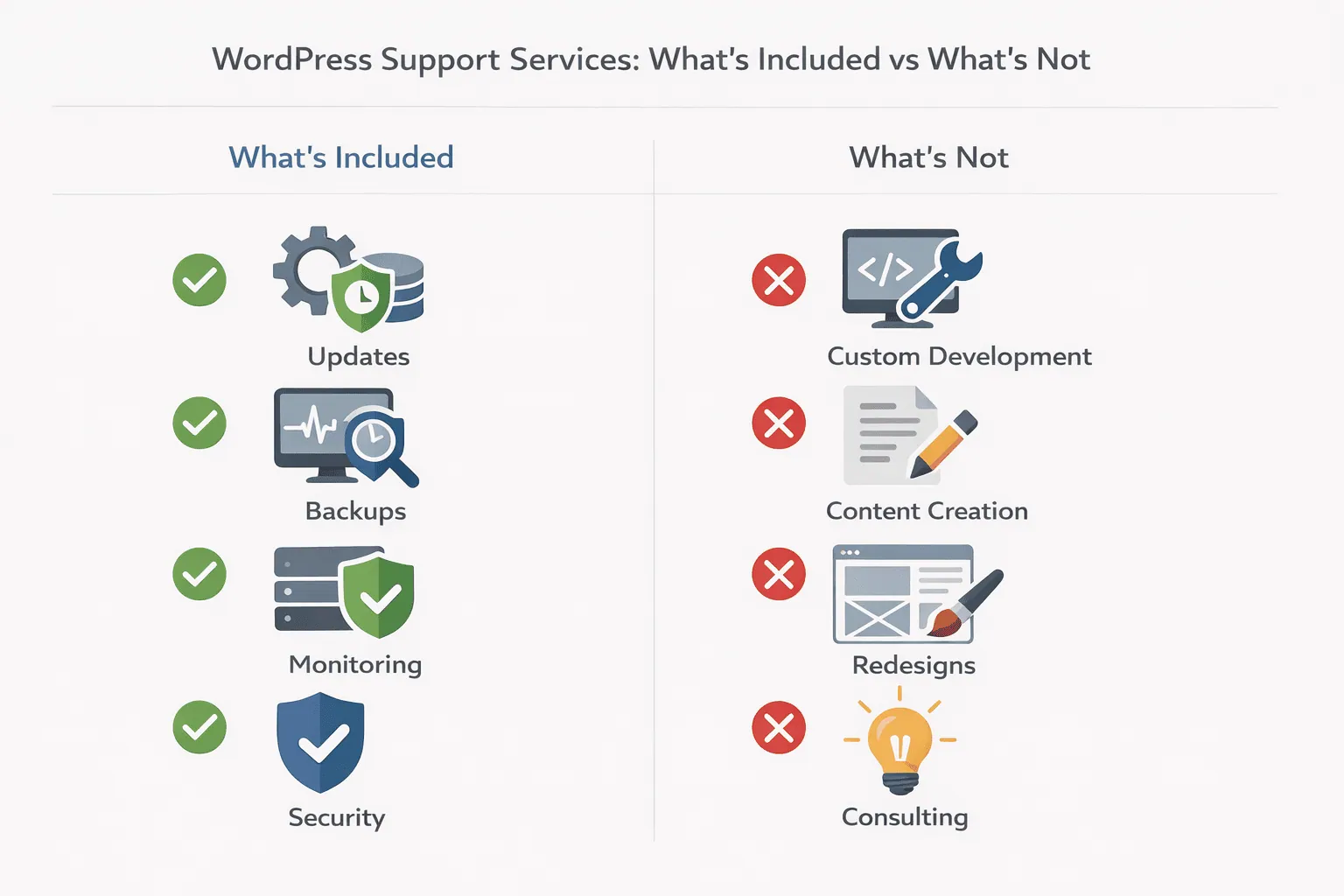 Professional WordPress maintenance support is designed to keep your site stable, secure, and performant over time. While exact offerings vary by provider, most support plans cover the same core operational needs.
Core, Theme, and Plugin Updates
One of the foundations of any WordPress care plan is proactive updating. This typically includes:
- WordPress core updates (minor and major releases)
- Theme updates to maintain compatibility and security
- Plugin updates with regression checks
Updates are usually tested before deployment to reduce the risk of breaking layouts or functionality. This is especially important for sites relying on page builders, e-commerce plugins, or custom integrations.
Uptime Monitoring and Performance Checks
Ongoing website technical support almost always includes uptime monitoring. If your site goes offline, alerts are triggered so issues can be addressed quickly.
Many WordPress support services also include basic performance monitoring, such as:
- Server response checks
- Page load trend monitoring
- Error log review
This is not the same as full performance optimization, but it helps identify problems early.
Security Monitoring and Threat Response
Security is a major reason businesses invest in a WordPress support company. Most support plans include:
- Malware scanning
- Firewall and security rule monitoring
- Login and file change alerts
When a threat is detected, support teams typically handle initial security triage, isolating the issue and preventing further damage.
“Keeping WordPress updated is one of the most important security measures site owners can take.”
Automated and On-Demand Backups
Reliable backups are a non-negotiable part of WordPress maintenance support. Most plans include:
- Daily or real-time automated backups
- Secure off-site storage
- Assisted restore support when needed
This ensures that if an update fails or a security incident occurs, your site can be restored quickly with minimal data loss.
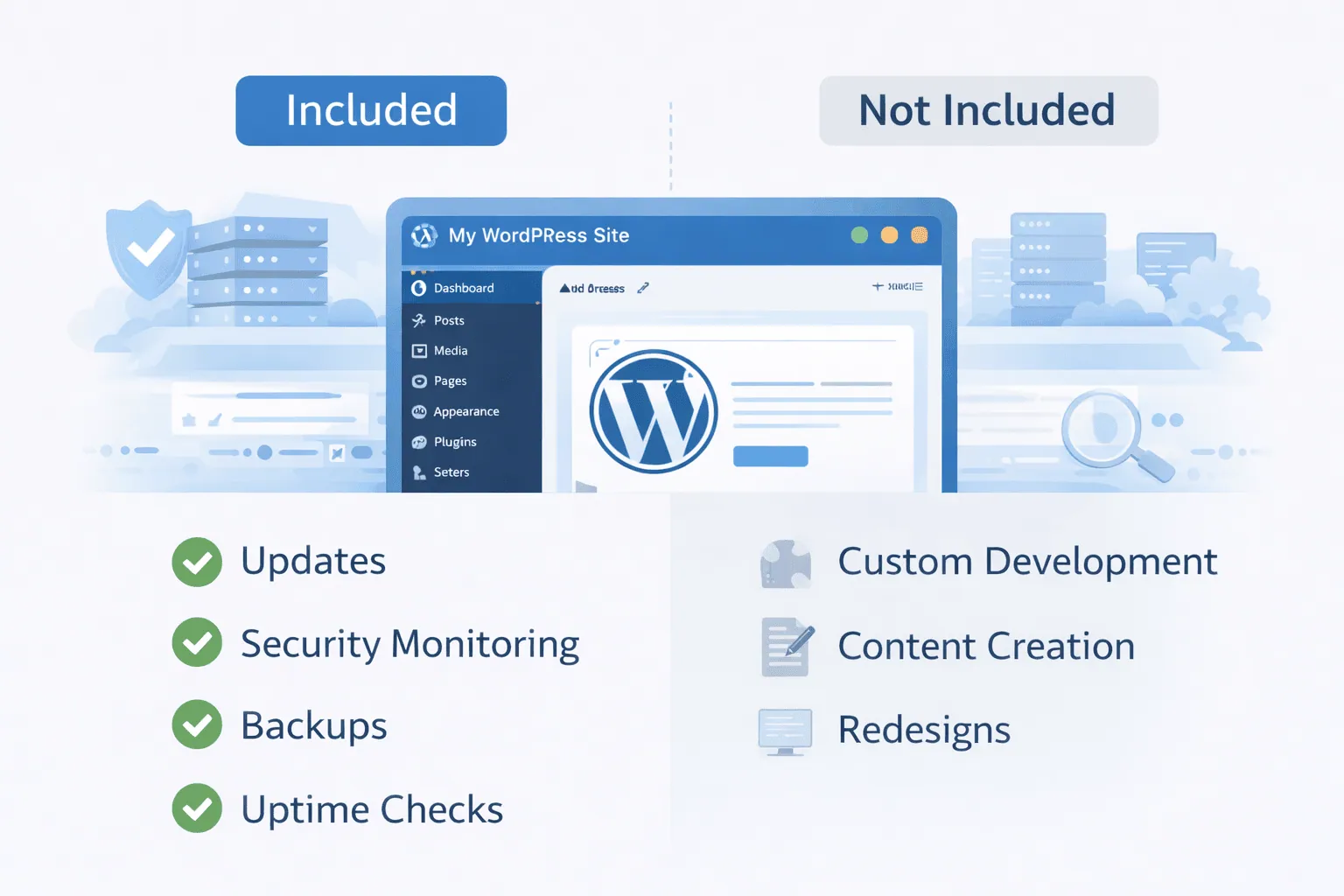
What’s Usually Not Included in WordPress Support Services
Understanding what is excluded is just as important as knowing what’s covered. Many misunderstandings around WordPress support services: what’s included comes from unclear boundaries.
New Feature Development and Custom Builds
Most WordPress care plans do not include:
- Custom plugin development
- New feature builds
- Major site redesigns
These tasks are typically scoped as separate projects due to their complexity and testing requirements.
Content Creation and Marketing Tasks
Ongoing website technical support focuses on infrastructure, not content. Support plans usually exclude:
- Writing or editing blog posts
- SEO strategy execution
- Graphic design or branding updates
Some providers offer add-ons, but these are not standard components of a WordPress care plan.
Third-Party Software Troubleshooting
Issues caused by external tools such as CRMs, email marketing platforms, or proprietary SaaS integrations may fall outside standard support. A WordPress support company may assist with diagnosis, but resolution often depends on the third-party vendor.
Choosing the Right WordPress Support Level
Not every site needs the same level of WordPress maintenance support. A scope-driven approach helps align support with business risk.
Choose Your Support Level
| Support Level | Best For | What’s Included |
|---|---|---|
| Essential Support | Small sites and blogs | Updates, daily backups, and uptime monitoring |
| Business Support | Marketing and lead-gen sites | Security monitoring, fixes, performance checks, and restores |
| Advanced Support | Revenue-critical WordPress sites | Priority response, security triage, proactive monitoring |
👉🏼 WordPress maintenance support plans for growing businesses
Why Clear Scope Matters for Website Technical Support
A clearly defined WordPress care plan prevents delays, budget overruns, and frustration. When expectations are documented, support teams can respond faster, and site owners know exactly when to request additional help.
From an operational standpoint, scope-driven support also improves:
- Incident response times
- Security accountability
- Long-term site stability
Support as Risk Management
For many businesses, WordPress support services are less about convenience and more about risk control. Downtime, data loss, or security breaches can have direct revenue and reputation impacts.
Professional website technical support for WordPress sites
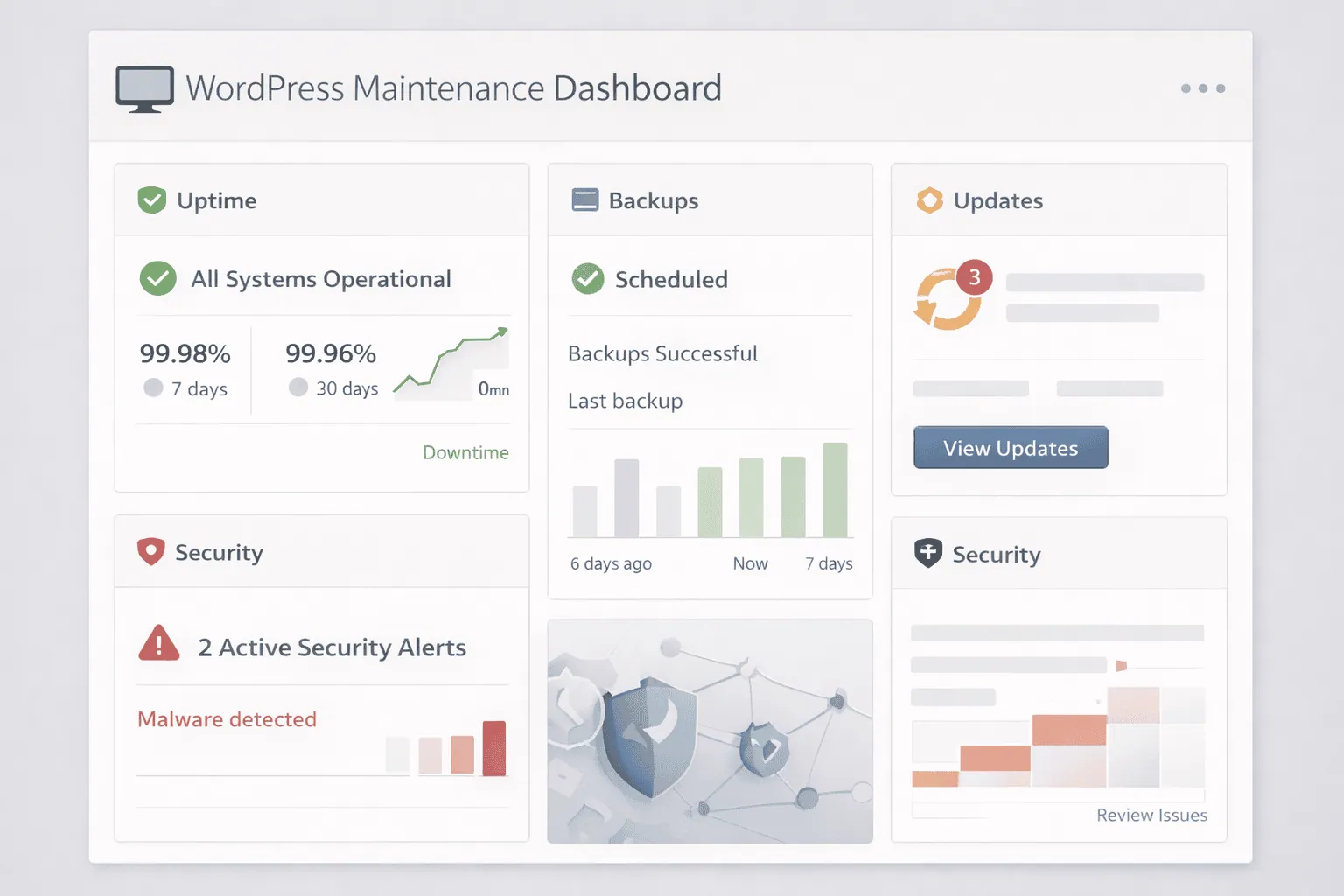
How WordPress Support Fits Into Long-Term Site Health
Ongoing WordPress support services: what’s included should evolve as your site grows. A startup blog may only need basic updates and backups, while a mature business site benefits from deeper monitoring and faster response windows.
The goal is continuity. Support ensures that your WordPress site remains secure, compatible, and resilient as plugins change, threats evolve, and traffic grows.
WordPress care plan options with scalable support coverage
Final Thoughts: Know What You’re Paying For
Not all WordPress support services are created equal. By understanding what is included, what is excluded, and how support levels differ, you can choose a WordPress support company that aligns with your technical needs and business priorities.
If your site is important to your operations, investing in clearly scoped, professional WordPress maintenance support is one of the most practical decisions you can make.
👉🏼 Explore WordPress support services and ongoing technical support options