
Zero Downtime, Zero Stress
Website Transfer & Migration Services
We handle every detail to move your site safely and efficiently, so you don’t have to lift a finger.
Professional Website Migration Made Simple
Transfer your site to your new hosting service provider.
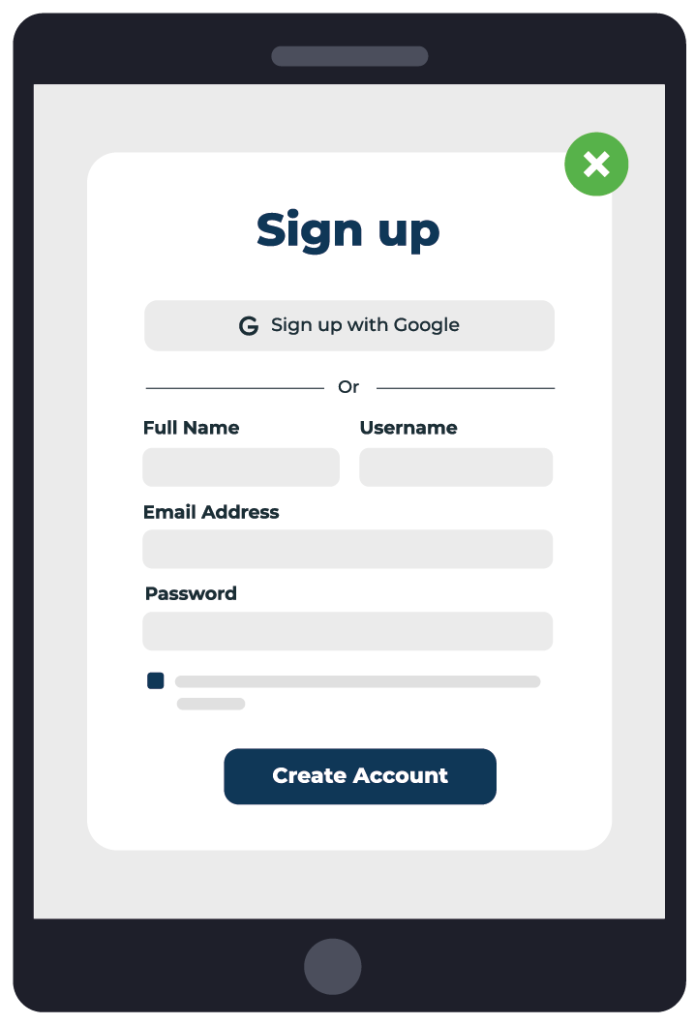
1. Sign Up With COHOSTA

2. Give Us Website/Server Details

3. Relax and Wait For Us
Our Website Transfer Process
No Downtime During Transfer Process
Our site transfer service allows you to avoid all of this headache: As long as your files and database are accessible; we can move it safely. We've helped migrate everything from large e-commerce sites, to sites that weren't even functional prior to the move due to a client's former hosting provider dropping support for legacy versions of PHP.
We start by making sure we have all needed credentials from you, and coordinating an ideal time for the migration, when your site experiences minimal activity.

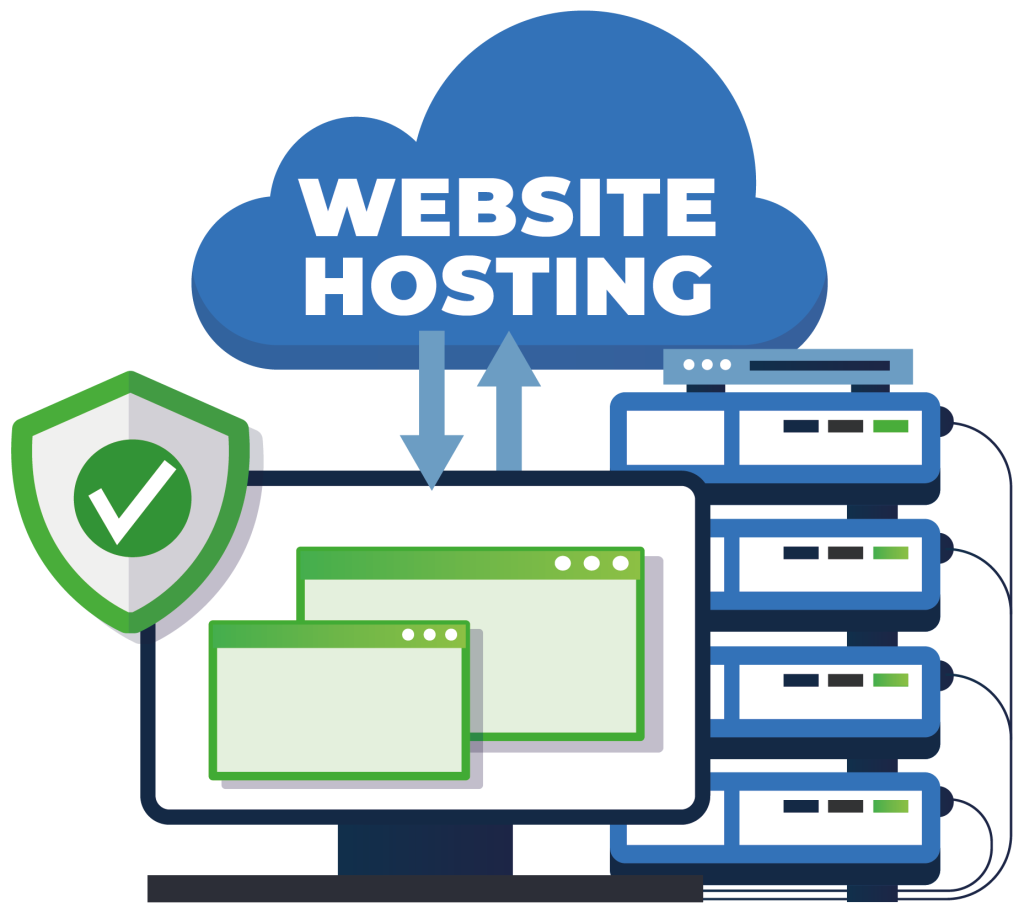
From Any Website, Any Hosting
Next, we copy over the database for your site to your new hosting account, and then immediately update your website's configuration to use your new hosting account, rather than your original one, for database connections. This allows us to keep any risk of data loss on e-commerce sites down to around a 3 minute window. (At your choice, we can reverse the order of this part, which will cause the site to be down for around 3 minutes, but guarantees no data is lost in the process.)
Next, we copy all of the files over.
At this point, your website should be able to function on the new servers, so we review what the site content would look like if it was being served via the new servers, and make sure everything looks right (and correct any issues if something appears to have broken)
SSL and DNS
Assuming everything looks good, we lastly copy any existing SSL certificates over, so that your visitors don't get SSL or security-related warnings.
At this point, your site is successfully migrated. We configure your old hosting account to stop processing any website requests on your old hosting account server, and instead pass those requests to the new server. This makes sure that any changes you, or anyone else, makes to the file content (site updates, image uploads, etc.) will be reflected on the new server.
Lastly, we will at your choice, either update DNS for you, or provide you with instructions on updating DNS.
Once your DNS is changed, your old hosting account can usually be cancelled 24 hours later, although we recommend scheduling a migration such that you can keep your old hosting account for a total of 7 days after the DNS change is complete. (Some routers/ISPs take a ridiculously long time to update to the new DNS settings!)
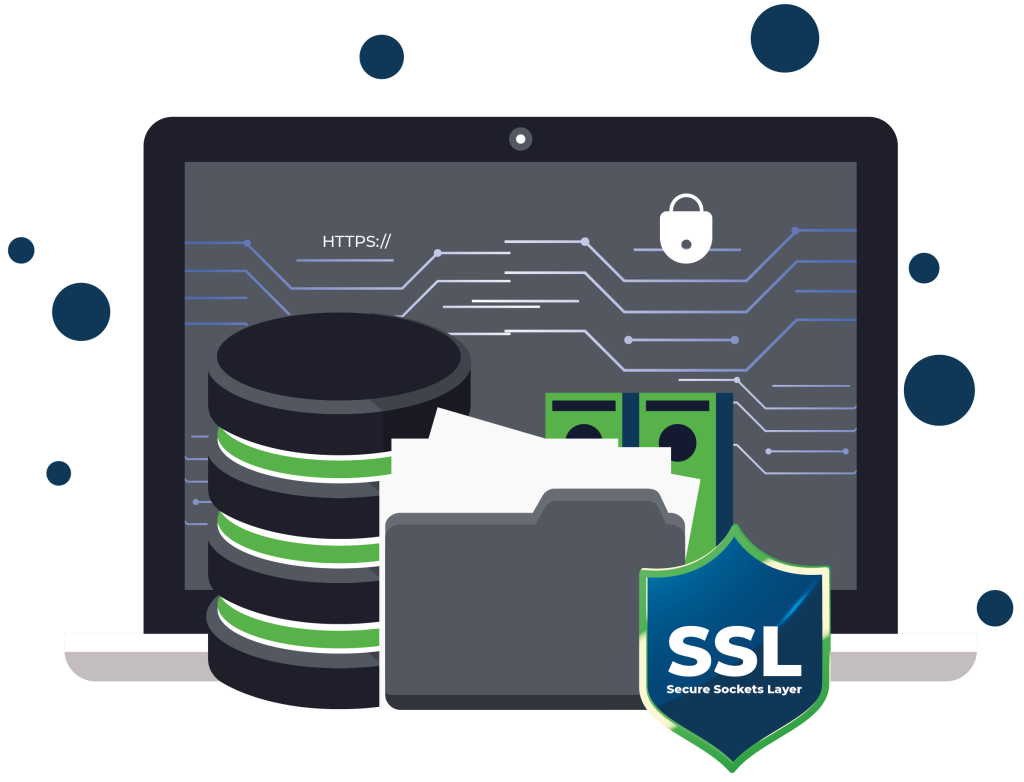

Fast and Secure
But there's one last step! When your site runs fast, that's just as good for us as it is for you - so at no extra charge, we will do a one-time speed audit, and (again, at your choice) either implement plugins that allow your website to integrate well with your hosting account, or provide you with recommendations that you can pass on to your web developer.
A footnote to this: While we have described our ideal process for migrations, the process may vary depending on the capabilities of your old hosting provider. In the event that we feel at all uncertain about being able to migrate your site with under 10 minutes of downtime, we will coordinate with you to see what course of action you would like to take, as well as provide you with the option of a full refund.
Changing Platforms!
* If you're looking to host with us, a Site Transfer can be purchased as an addon to your hosting during checkout. If you're looking to transfer your site elsewhere, click here to order an External Site Transfer now.

Power Secure, Fast & High-Ranking Websites with CoHosta Hosting
MAKE YOUR SITE SAFE AND STRESS FREE!
our web experts will tackle whatever you need for a successful site.
FAQ
Website migration time depends on your site’s size and the number of files. It includes databases and a hosting setup. A simple business website often moves within a few hours. Big sites with complicated databases take longer. The best time to transfer your data is when your website receives the fewest visitors. This reduces interruptions for visitors. A good migration team also tests the website after the move. That step ensures everything functions properly on the new server.
Most migrations avoid downtime when handled carefully. A common approach is to prepare the new server before switching the domain. Professionals suggest testing the website thoroughly before updating DNS settings. This action ensures the new version runs smoothly after the switch. Some DNS updates may take a short time to extend across the web.
Yes, SEO can be affected during a website migration if it is not managed properly. Changes in URLs, site structure, or content can impact search engine rankings and traffic. However, with proper planning such as implementing 301 redirects, maintaining the existing URL structure where possible, updating sitemaps, and monitoring performance in search tools
Yes, we handle email and DNS migration as part of the website migration process. Our team ensures that all DNS records are correctly updated and email services are properly configured to avoid any disruption. We carefully plan and execute the migration to ensure a smooth transition with minimal downtime.


© 2026 COHOSTA. All rights reserved.