As your business grows, the infrastructure supporting your digital presence must evolve. For many SMBs and non-technical founders, the transition from shared environments to scalable cloud hosting is a pivotal moment that dictates future ROI. Relying on an underpowered server is not just a technical oversight; it is a bottleneck for customer acquisition and search engine visibility.
If you are wondering when to upgrade to cloud hosting, the answer lies in the data. Below, we outline seven measurable triggers that indicate your current environment is stifling your growth and how a shift to a growth cloud hosting can restore your competitive edge.
1. Sustained CPU and RAM Pressure
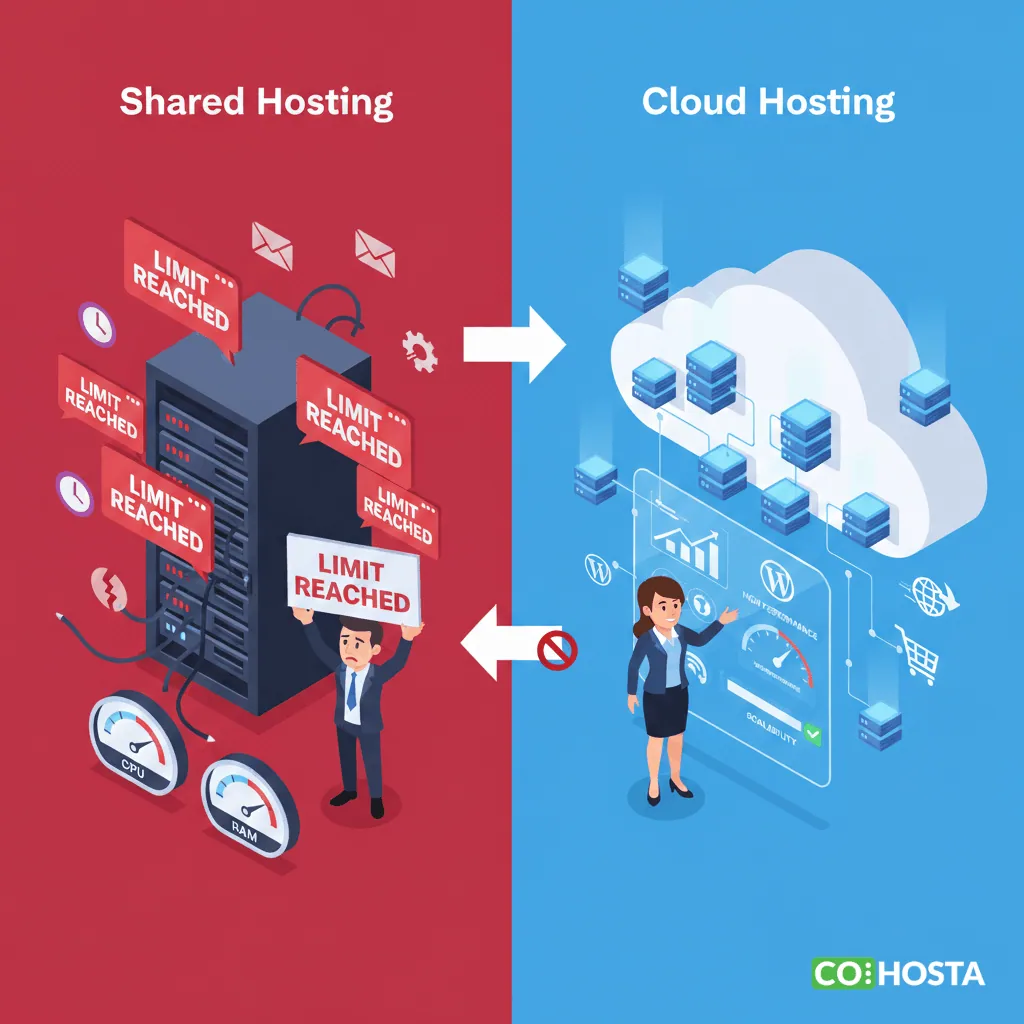
The most objective sign that you need to move to cloud hosting for growing businesses is consistent resource exhaustion. In a shared environment, your site competes for a finite pool of Central Processing Unit (CPU) cycles and Random Access Memory (RAM).
How to Measure Resource Strain
Check your hosting control panel for “Resource Usage” or “LVE Manager” statistics. If your CPU usage frequently hits 80% or higher during non-peak hours, or if your RAM usage is consistently maxed out, your server is “throttling” your site. This results in sluggish page loads and potential downtime.
Upgrading to the Growth Cloud hosting plan provides dedicated resources that do not fluctuate based on other users’ activities.
2. Frequent 504 Gateway Timeouts and 508 Resource Limits
If your visitors or your Google Search Console report an increase in 504 (Gateway Timeout) or 508 (Resource Limit Reached) errors, your current server cannot handle the volume of simultaneous requests.
The Impact on Website Performance
Every 500-level error code is a missed conversion. More importantly, search engines like Google interpret these errors as a sign of an unstable site, which can lead to a drop in your organic rankings. Scalable cloud hosting mitigates this by allowing for “burst” capacity, ensuring that your server can handle sudden influxes of traffic without dropping connections.
3. Increasing Administrative Latency
Are you noticing that the WordPress admin dashboard is becoming painfully slow? If saving a post or updating a plugin takes more than 5 to 10 seconds, your database is likely struggling with the limitations of a shared environment.
Why Admin Speed Matters
High administrative latency often indicates that the PHP processing power or database I/O (Input/Output) speed is insufficient. For agencies managing multiple client sites, this inefficiency translates into wasted billable hours. Transitioning to a business cloud hosting environment provides the high-performance disk I/O necessary for a snappy, responsive backend.
4. Traffic Spikes and Seasonal Surges
If your business runs marketing campaigns, Black Friday sales, or social media promotions, a static shared server is a liability.
“Cloud computing is often far more reliable than a local network of physical servers. In the event of a failure, the cloud can quickly shift to another server, minimizing downtime and ensuring that your business stays up and running.”
Identifying the Breaking Point
Analyze your traffic logs. If you notice that your website performance degrades exactly when your visitor count doubles, you have outgrown your current setup. Cloud infrastructure allows for vertical scaling, meaning you can add more power instantly to accommodate a surge and then scale back down.
5. Slow Checkout and Cart Abandonment
For e-commerce founders, speed is a direct correlate to revenue. If your “Add to Cart” or “Checkout” pages take longer than 2 seconds to load, you are losing money.
The ‘If X then Y’ Plan Selection Guide
| If Your Metric Is… | And Your Goal Is… | Then Choose… |
|---|---|---|
| Under 50,000 Monthly Visitors | General Information/Blogging | Rookie Hosting |
| 50,000 to 150,000 Visitors | E-commerce or Lead Gen | Growth Cloud |
| Frequent Resource Spikes | Agency/Multi-site Management | Enterprise Cloud |
6. High PHP Error Rates in Logs
Technical founders should regularly audit their error_log files. If you see repeated “Memory Exhausted” or “Script Execution Time Exceeded” errors, your environment’s configuration is too restrictive for your site’s complexity. Growth cloud hosting allows for higher PHP memory limits and execution times, which are essential for modern, feature-rich WordPress sites.
7. Security Vulnerabilities and “Noisy Neighbors”
In a shared environment, you are only as secure as the weakest site on your server. If a “neighbor” site gets blacklisted or attacked, your site’s performance and IP reputation can suffer.
The Cloud Isolation Advantage
Moving to a cloud-based architecture provides a layer of isolation. By utilizing scalable cloud hosting, your file system and processes are siloed, reducing the risk of cross-site contamination and improving overall security posture.
Recognizing when to upgrade to cloud hosting is the difference between a stagnant business and a scaling one. By monitoring your CPU/RAM pressure, eliminating timeouts, and ensuring your checkout process is lightning-fast, you provide the foundation your brand needs to thrive. For a high-performance environment that scales as fast as your ambitions, explore the options at CoHosta.
Scale Statistic: According to research, a 1-second delay in page response can result in a 7% reduction in conversions. For a site earning $100,000 per day, that is a loss of $2.5 million in sales annually.
Source: Akamai Technologies